Safe for every student, clear for every teacher, ready for every inspection
Your AI tools now tutor students, suggest marks, filter what students see and sort applications. Know what each one must meet where each school sits, and show parents, teachers and inspectors how you meet it.
Admissions and parentsWelcome every family with confidence.
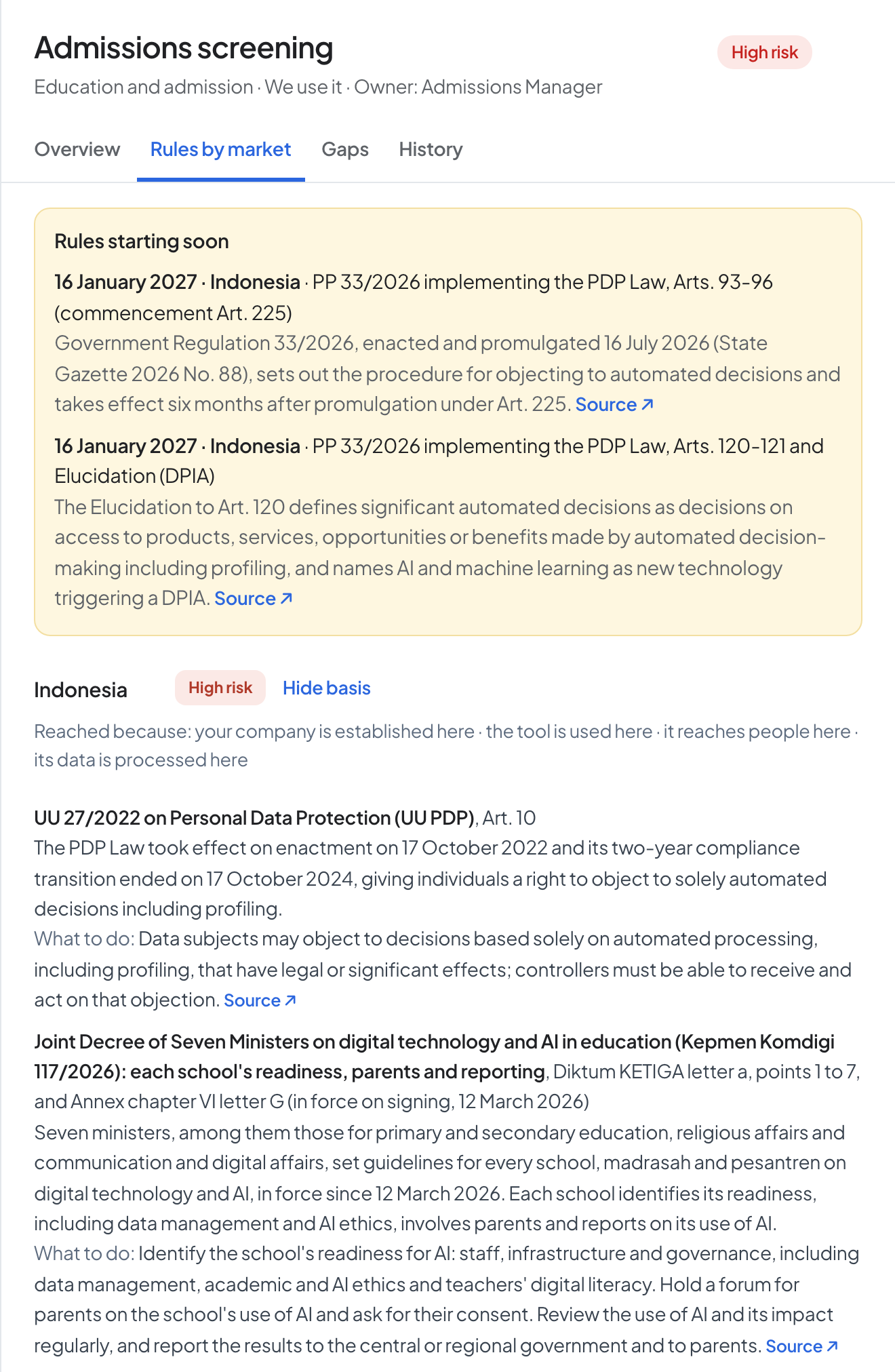
- A parent’s consent before a child’s data goes into a tool in Indonesia, and for children under 13 in the UAE and the US
- Parents told each year which AI tools their school uses in Oklahoma, and asked to opt in first in Florida
- A parent’s written consent before a US survey or screener asks about protected areas such as mental health
- Indonesia: a forum where parents hear how the school uses AI
Teaching and learningTutor every student with confidence.
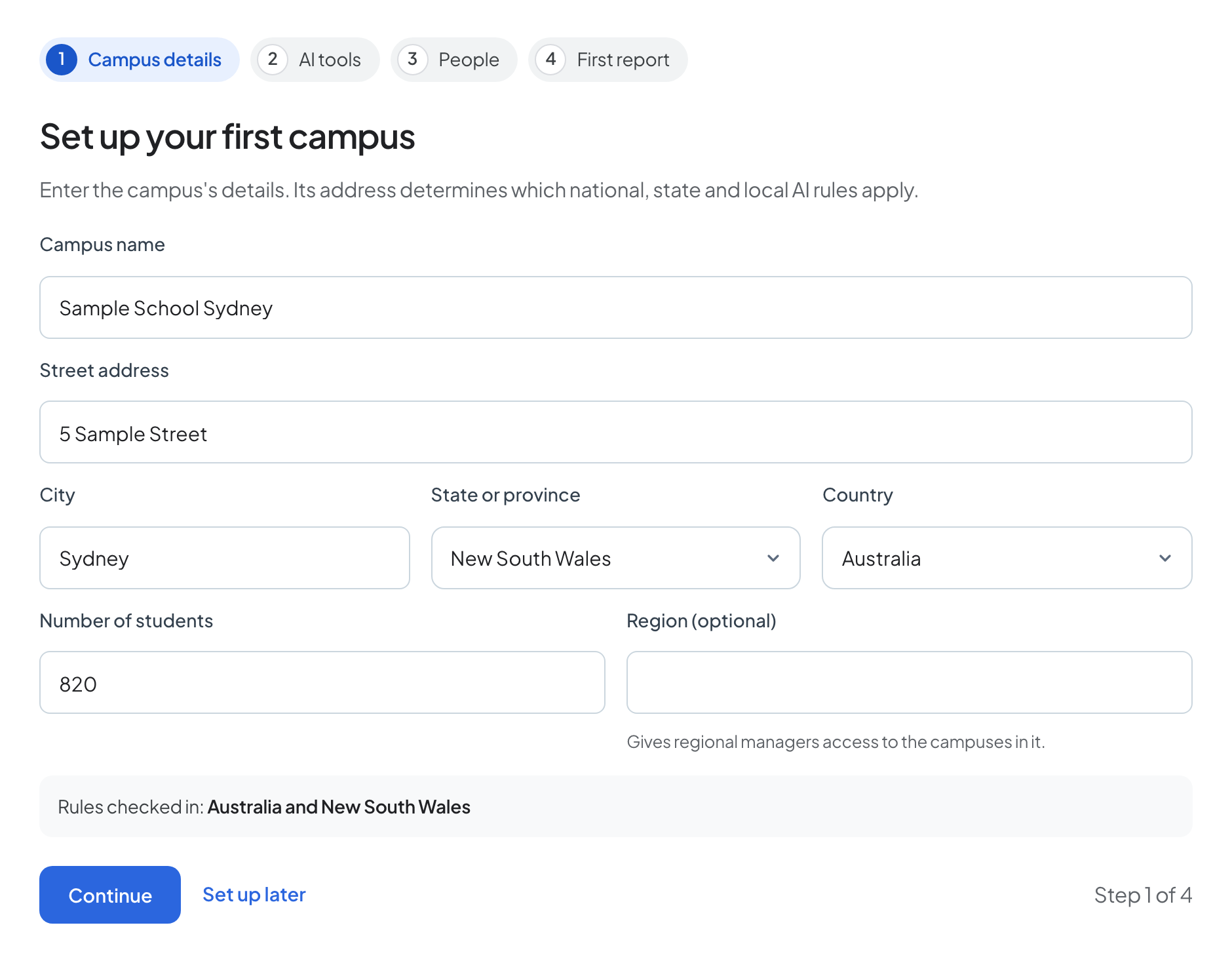
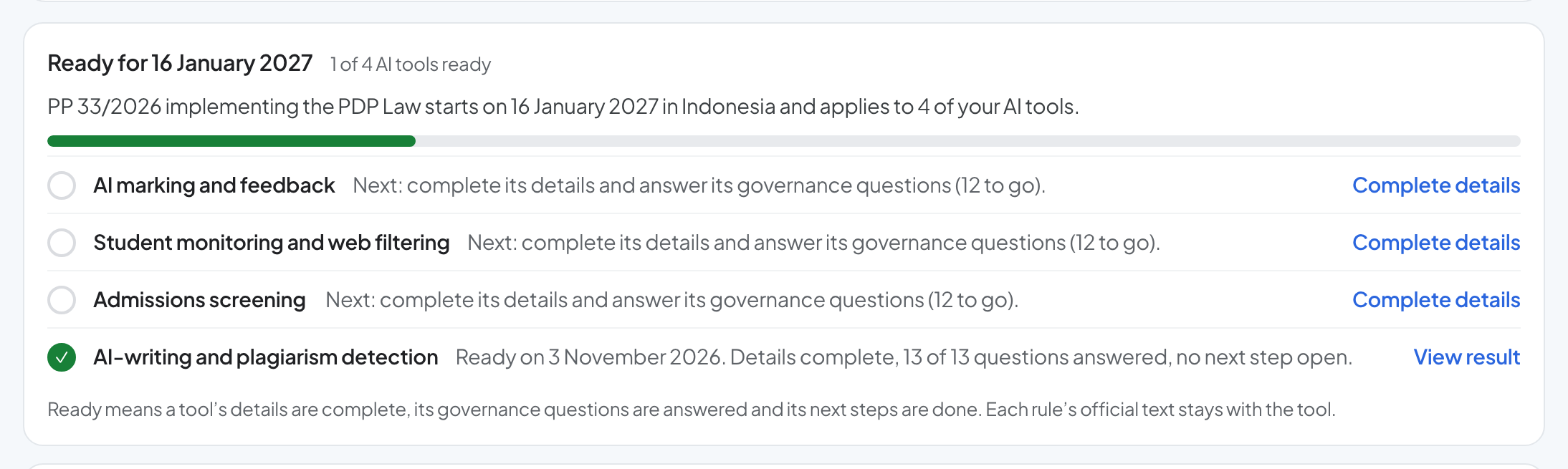
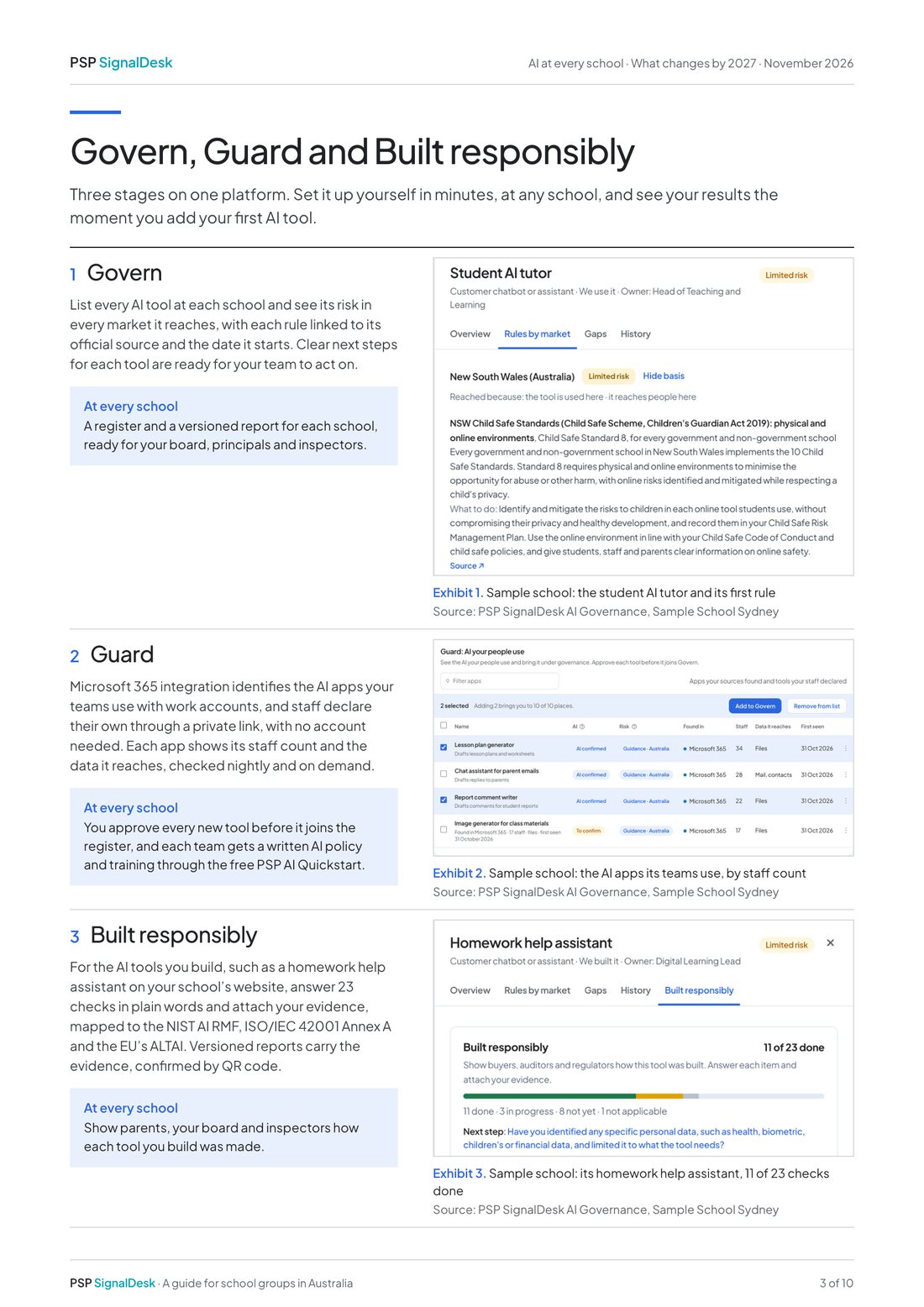
- Student AI tutors and staff assistants on one register, each with an owner and the rules of every market your schools are in
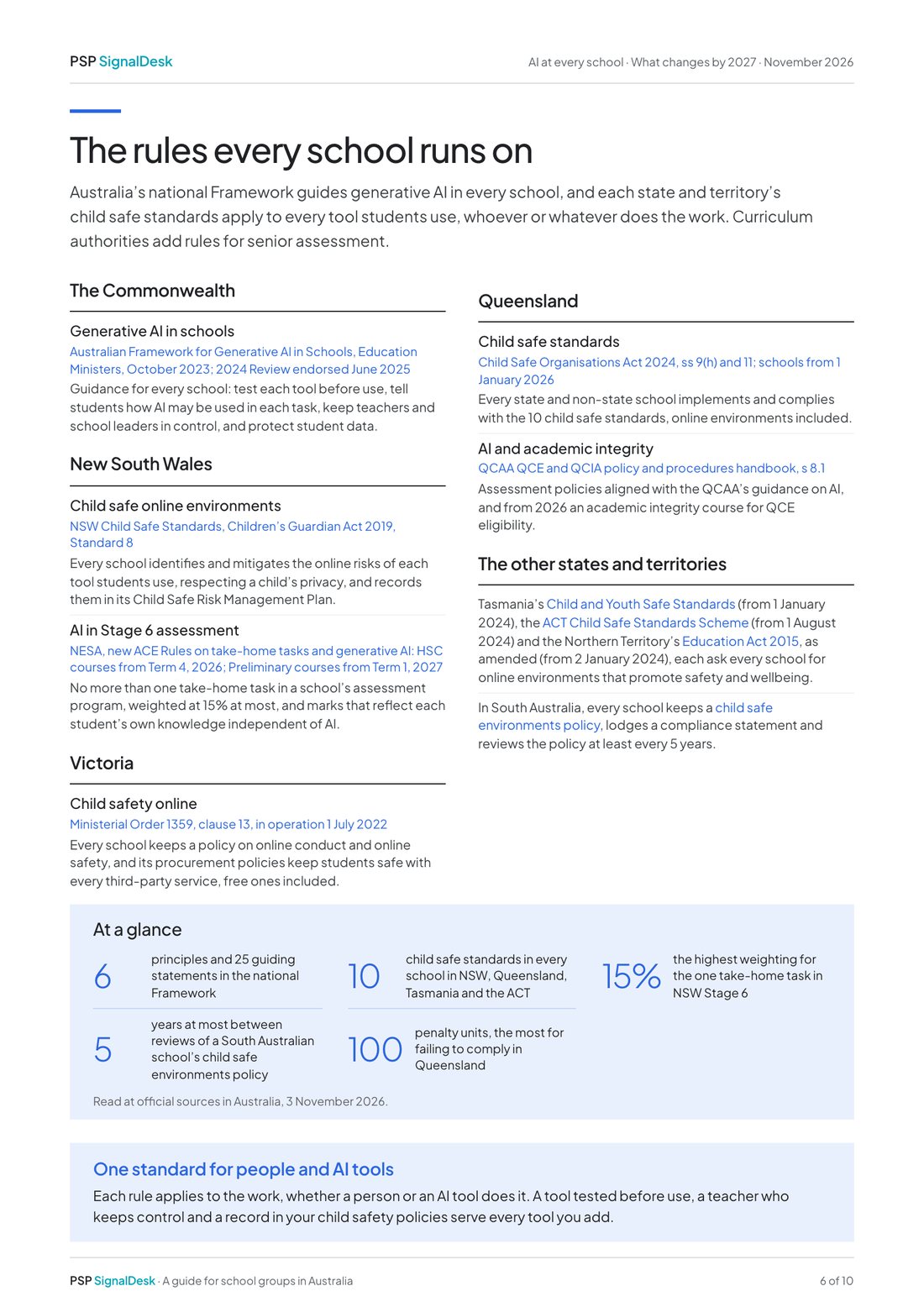
- Australia’s Framework for Generative AI in Schools: each tool tested before use, and teachers accountable for decisions it supports
- Indonesia’s joint decree: teachers check every AI output and set the AI rule for each task
- A school AI policy where the law asks for one, as in Florida, Maryland, Oklahoma and Virginia
Assessment and academic integrityMark every task fairly.
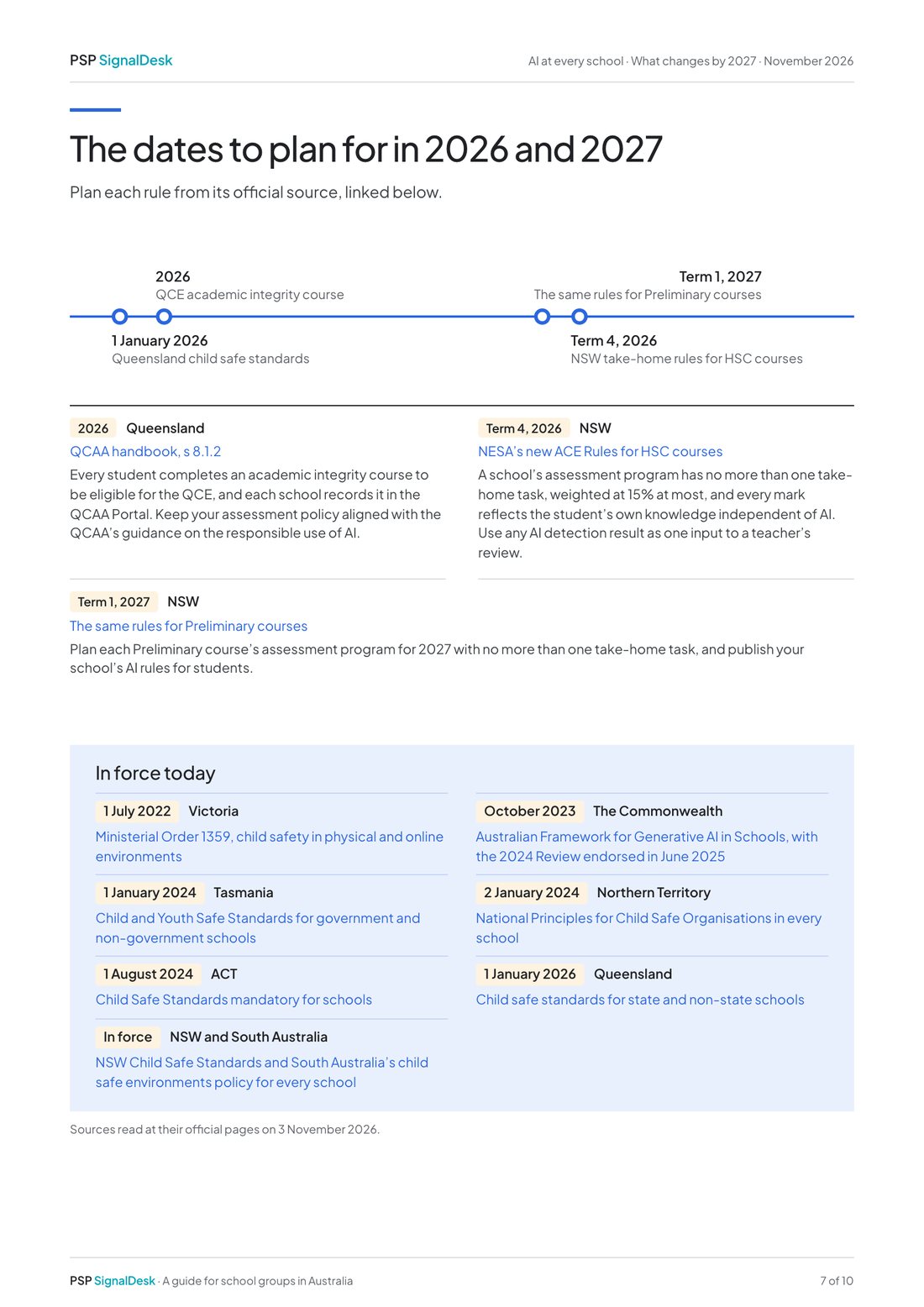
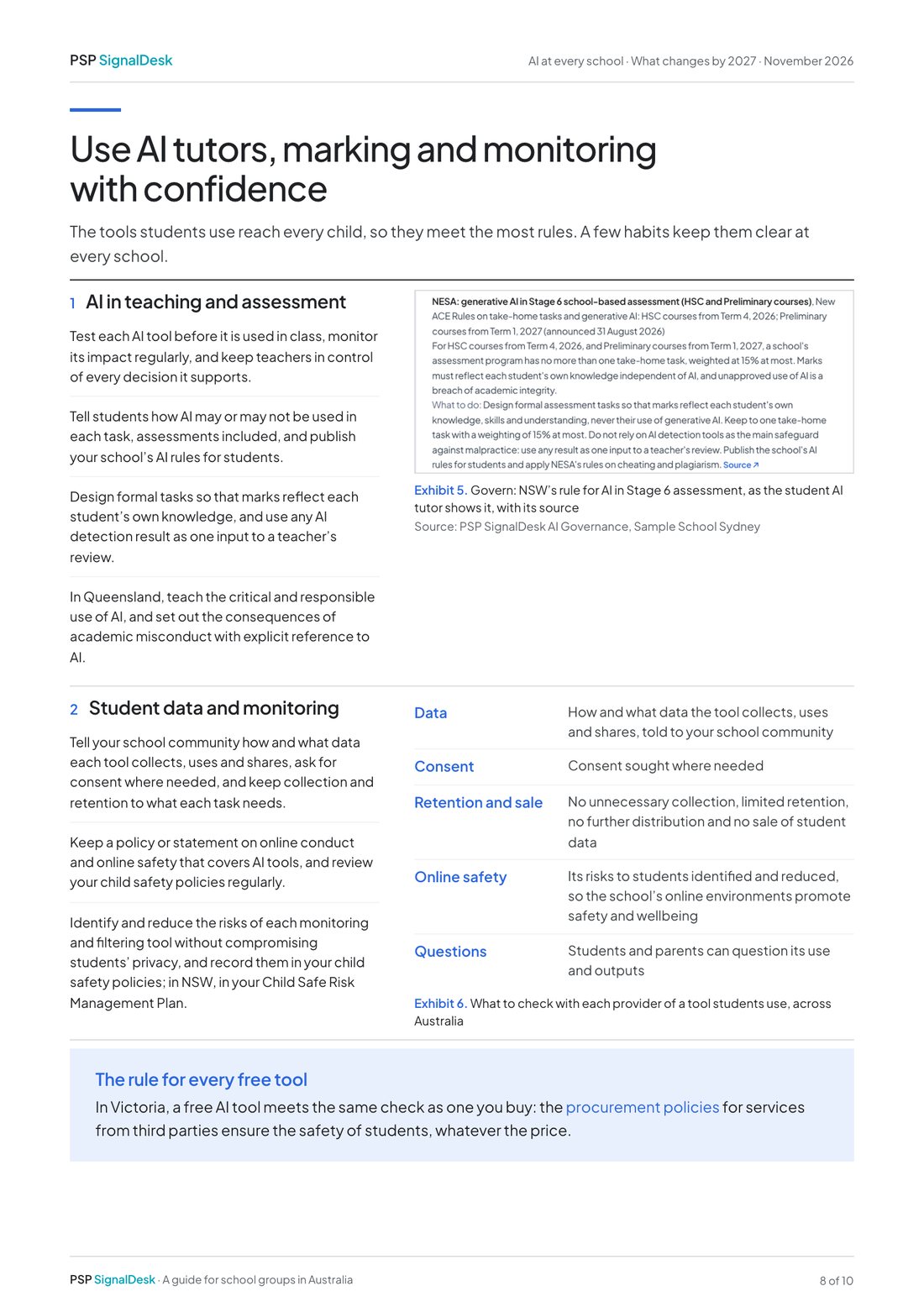
- NSW HSC courses from Term 4, 2026: one take-home task at most, worth up to 15%, with marks that reflect each student’s own work
- NZQA: an authenticity policy that includes the acceptable use of AI, and no generative AI in external assessment
- Queensland’s QCE: an academic integrity course for every QCE student from 2026
- Oklahoma: AI never the primary basis for grading, placement or promotion
Wellbeing and safeguardingKeep every student safe online.
- Child safe standards for online environments in New South Wales, Victoria, Queensland, Tasmania, the ACT and the Northern Territory
- US schools on E-rate: an internet safety policy with filtering and monitoring of minors’ online activities
- Face recognition in schools barred in New York and Florida, and allowed only with a parent’s written consent in Arizona and Kansas
- Abu Dhabi: filtering and monitoring of students’ internet use on school devices, analysed regularly
Administration and recordsKeep every student record safe.
- FERPA: education records shared only with consent, or with vendors under the school’s direct control
- Student data laws in 17 US states and DC: no targeted advertising, profiling or sale by the tools schools use
- Abu Dhabi: a written risk assessment of every learning app’s provider
- Malaysia: the Ministry of Education’s AI literacy guide at every school under the Ministry